JavaScript Loops Explained with Simple Examples
Published: 29 Oct, 2026 | Author: CCI Admin | Category: JavaScript / Web Development
JavaScript loops allow developers to repeat a block of code without writing the same statements again and again. They are useful for displaying lists, processing arrays, calculating totals, and building interactive websites.
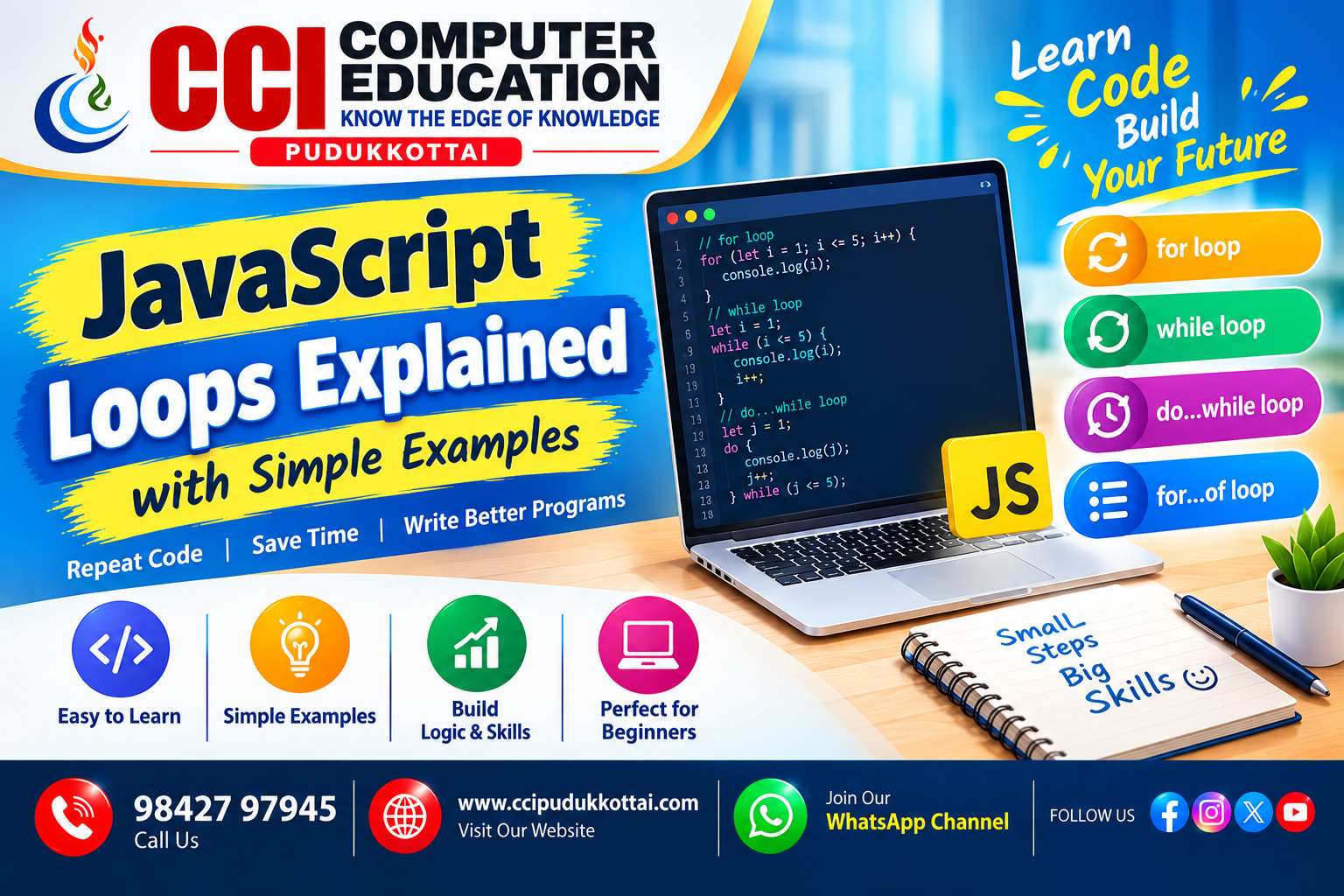
In this tutorial, you will learn the for, while, do...while, and for...of loops with simple examples, outputs, practical uses, and practice tasks.
1. What Is a Loop in JavaScript?
A loop executes a block of code repeatedly. Depending on the loop type, repetition continues while a condition is true or while items remain in a sequence.
for (let i = 1; i <= 5; i++) {
    console.log(i);
}
Output
1
2
3
4
5
2. The for Loop
The for loop is useful when a counter or repetition count is known. It includes initialization, a condition, and an update expression.
for (let i = 1; i <= 10; i++) {
    console.log(i);
}
How it works:
let i = 1creates the counter.i <= 10checks whether the loop should continue.i++increases the counter by one after each iteration.
Practical use: Displaying numbered products or creating a numbered list of students.
3. The while Loop
The while loop repeats as long as its condition is true. It is useful when the number of repetitions depends on a condition.
let i = 1;

while (i <= 5) {
    console.log(i);
    i++;
}
Output
1
2
3
4
5
Important: Make sure the loop variable changes when necessary. If the condition never becomes false, the program may get stuck in an infinite loop.
4. The do...while Loop
The do...while loop checks its condition after executing the code block. Therefore, the code runs at least once, even when the condition is initially false.
let i = 1;

do {
    console.log(i);
    i++;
} while (i <= 5);
Example: It Runs Once
let number = 10;

do {
    console.log("This runs once");
} while (number < 5);
Although number < 5 is false, the message is printed once because the condition is checked after the block.
5. The for...of Loop
The for...of loop makes it easy to access values in an array or another iterable.
const students = ["Arun", "Priya", "Kavin"];

for (const student of students) {
    console.log(student);
}
Output
Arun
Priya
Kavin
This loop reads each value in the array without requiring a separate index counter.
6. Difference Between JavaScript Loops
| Loop | Best Use |
|---|---|
for | When a counter or repetition count is known. |
while | When repetition depends on a condition. |
do...while | When the code must run at least once. |
for...of | When processing values in an iterable. |
7. Practical Example: Calculate a Shopping Cart Total
Loops can process prices in a shopping cart and calculate the total amount.
const prices = [100, 250, 150];
let total = 0;

for (const price of prices) {
    total += price;
}

console.log("Total: ₹" + total);
Output
Total: ₹500This example shows how a loop can process multiple values in a real-world website.
8. Common Mistakes to Avoid
- Forgetting to update a counter in a
whileloop. - Using an incorrect condition that causes extra or missing iterations.
- Creating an infinite loop.
- Confusing
for...of(values) withfor...in(enumerable property keys).
9. Practice Tasks for Students
- Print numbers from 1 to 20.
- Print even numbers between 1 and 50.
- Calculate the sum of numbers from 1 to 100.
- Display each subject stored in an array.
- Print the multiplication table for a given number.
10. Frequently Asked Questions (FAQs)
1. Why are loops used in JavaScript?
Loops repeat code efficiently and reduce duplicated statements.
2. Which JavaScript loop runs at least once?
The do...while loop executes its code block at least once.
3. What happens if a loop condition never becomes false?
The loop may become infinite and make the program unresponsive.
4. Can we use loops with arrays?
Yes. The for and for...of loops can process array elements.
5. What is the difference between for...of and for...in?
for...of iterates over values in an iterable, while for...in iterates over enumerable property keys.
Conclusion
JavaScript loops help developers automate repeated tasks, process arrays, calculate totals, and build interactive websites. Learning for, while, do...while, and for...of gives beginners a strong foundation in programming.
At CCI Computer Education, Pudukkottai, students can practise these concepts and apply them in real-world web development projects.
What to Learn Next
- JavaScript Functions
- JavaScript Arrays and Array Methods
- JavaScript DOM Manipulation
- JavaScript Events Explained with Practical Examples
Related CCI Blogs
- HTML Basics for Beginners
- CSS Styling and Responsive Web Design
- JavaScript DOM Manipulation for Beginners
Learn Web Development with CCI Computer Education
Want to improve your programming and web development skills? CCI Computer Education helps learners build practical knowledge through programming concepts, examples, and project-based learning.
Explore CCI Computer Education
Contact CCI Computer Education – Pudukkottai
Call: 98427 97945
Website: www.ccipudukkottai.com
WhatsApp Channel: Join CCI Computer Education
CCI Computer Education – Learn Today, Build Tomorrow.