HTML Basics for Beginners
Published: 10 Aug, 2026 | Author: CCI Admin | Category: Web Development
HTML is the foundation of every website on the internet. If you are interested in web development, learning HTML is one of the first and most important steps. HTML helps you create the structure and content of web pages using simple tags and elements.
In this beginner-friendly guide, we will learn the basics of HTML (HyperText Markup Language), its important elements, basic structure, commonly used tags, and how to create your first web page.
What is HTML?
HTML stands for HyperText Markup Language. It is the standard markup language used to create and structure content on websites.
HTML is not a programming language. Instead, it is a markup language that tells a web browser how different parts of a web page should be structured.
Why Learn HTML?
HTML is one of the easiest technologies for beginners to start learning. Anyone interested in website development can begin with HTML before moving on to CSS, JavaScript, and other web technologies.
Benefits of Learning HTML
- Easy to learn for beginners
- Foundation of web development
- Simple and readable syntax
- Works with all modern web browsers
- Used together with CSS and JavaScript
- Useful for creating websites and web pages
- Helps understand how websites are structured
- Important skill for front-end developers
Basic HTML Document Structure
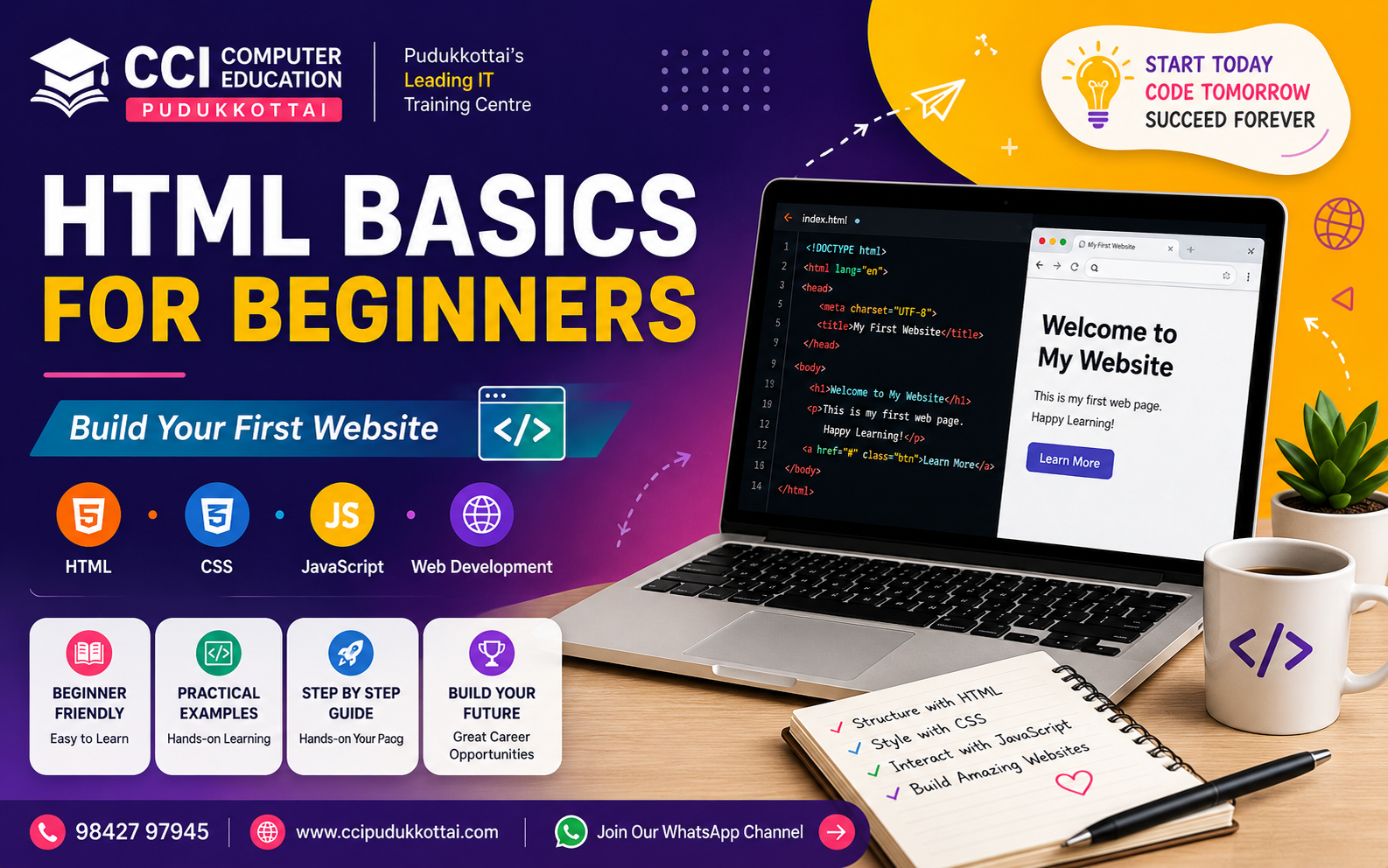
Every HTML page normally starts with a basic document structure. Here is a simple example:
<!DOCTYPE html>
<html>
<head>
    <title>My First Web Page</title>
</head>

<body>
    <h1>Welcome to My Website</h1>
    <p>This is my first HTML page.</p>
</body>
</html>
Understanding the HTML Structure
- <!DOCTYPE html> tells the browser that the document uses HTML5.
- <html> is the root element of the HTML document.
- <head> contains information about the page.
- <title> defines the title shown in the browser tab.
- <body> contains the visible content of the page.
Common HTML Tags
HTML provides many tags for creating different types of content.
1. Heading Tags
HTML provides headings from <h1> to <h6>.
<h1>Main Heading</h1>
<h2>Sub Heading</h2>
<h3>Small Heading</h3>
2. Paragraph Tag
The <p> tag is used to create paragraphs.
<p>Welcome to CCI Computer Education.</p>3. Link Tag
The <a> tag is used to create hyperlinks.
<a href="https://www.example.com">
    Visit Website
</a>
4. Image Tag
The <img> tag is used to display images.
<img src="computer.jpg" alt="Computer Education">5. List Tags
HTML supports ordered and unordered lists.
<ul>
    <li>HTML</li>
    <li>CSS</li>
    <li>JavaScript</li>
</ul>
HTML Attributes
Attributes provide additional information about HTML elements. They are normally written inside the opening tag.
<a href="https://www.example.com">
    Visit Website
</a>
In this example, href is an attribute that specifies the destination of the link.
HTML Forms
Forms are used to collect information from website users. For example, registration forms, login forms, contact forms, and enquiry forms can be created using HTML.
<form>

    <label>Name:</label>
    <input type="text" name="name">

    <label>Email:</label>
    <input type="email" name="email">

    <button type="submit">Submit</button>

</form>
HTML Tables
Tables can be used to display information in rows and columns.
<table border="1">

    <tr>
        <th>Name</th>
        <th>Course</th>
    </tr>

    <tr>
        <td>Student 1</td>
        <td>HTML</td>
    </tr>

</table>
HTML, CSS and JavaScript
Modern websites generally use HTML, CSS, and JavaScript together.
- HTML - Creates the structure of the webpage.
- CSS - Controls the design, colors, layout, and appearance.
- JavaScript - Adds interaction and dynamic behavior.
A simple way to remember this is:
- HTML = Structure
- CSS = Design
- JavaScript = Interaction
Simple HTML Project for Beginners
Let's create a simple personal profile page.
<!DOCTYPE html>
<html>

<head>
    <title>My Profile</title>
</head>

<body>

    <h1>My Profile</h1>

    <h2>About Me</h2>

    <p>
        Hello! I am learning web development.
        I am starting my journey with HTML.
    </p>

    <h2>My Skills</h2>

    <ul>
        <li>HTML</li>
        <li>CSS</li>
        <li>JavaScript</li>
    </ul>

</body>

</html>
Who Should Learn HTML?
HTML is suitable for anyone who wants to begin a career or learn the basics of website development.
- School Students
- College Students
- Diploma Students
- Engineering Students
- Graduates
- Job Seekers
- Beginners in Web Development
- Entrepreneurs who want to understand websites
- Anyone interested in Front-End Development
Career Opportunities After Learning HTML
HTML is an important foundation for several web development careers. After learning HTML, you can continue learning CSS, JavaScript, frameworks, databases, and backend technologies.
- Front-End Developer
- Web Developer
- UI Developer
- Web Designer
- Full Stack Developer
- WordPress Developer
Learn Web Development at CCI Computer Education, Pudukkottai
At CCI Computer Education, Pudukkottai, students can learn web development concepts through practical examples, coding exercises, and project-based learning.
Beginners can start with HTML and gradually learn CSS, JavaScript, databases, backend programming, and full-stack web development.
Frequently Asked Questions
What is HTML?
HTML stands for HyperText Markup Language. It is the standard markup language used to create and structure web pages.
Is HTML easy to learn?
Yes. HTML is considered one of the easiest technologies for beginners. Students can learn the basic tags and create simple web pages with relatively little programming experience.
Is HTML a programming language?
No. HTML is a markup language. It is used to structure content on web pages.
What should I learn after HTML?
After learning HTML, you can learn CSS for website design and JavaScript for adding interaction. You can then continue with frontend frameworks, backend technologies, and databases.
Can I get a job after learning HTML?
HTML is an important foundation for web development, but most professional web development roles require additional skills such as CSS, JavaScript, frontend frameworks, backend technologies, or databases.
Conclusion
HTML is the first step for anyone interested in web development. Its simple syntax makes it beginner-friendly, while its importance in creating websites makes it an essential technology for every web developer.
Start with basic HTML tags, practice by creating small web pages, and gradually move toward CSS and JavaScript. With consistent practice, you can build a strong foundation for a career in web development.
If you are looking to learn Web Development in Pudukkottai, start your journey with CCI Computer Education and develop your skills through practical training and real-world projects.
What's Next?
In our next tutorial, we will learn CSS Basics for Beginners and understand how to add colors, fonts, spacing, layouts, and attractive designs to HTML web pages.
Call: 98427 97945 | Website: ccipudukkottai.com | WhatsApp Channel: Join Now