Loops in Java – Learn for, while and do-while Loops with Simple Examples
Published: 26 Aug, 2026 | Author: CCI Admin | Category: Java
Loops are an important concept in Java programming. They allow developers to execute a block of code repeatedly without writing the same statements again and again.
What is a Loop in Java?
A loop is a programming structure used to repeat a block of code as long as a particular condition is satisfied.
For example, if you want to print numbers from 1 to 10, you do not need to write ten separate print statements. A loop can perform this task automatically.
Types of Loops in Java
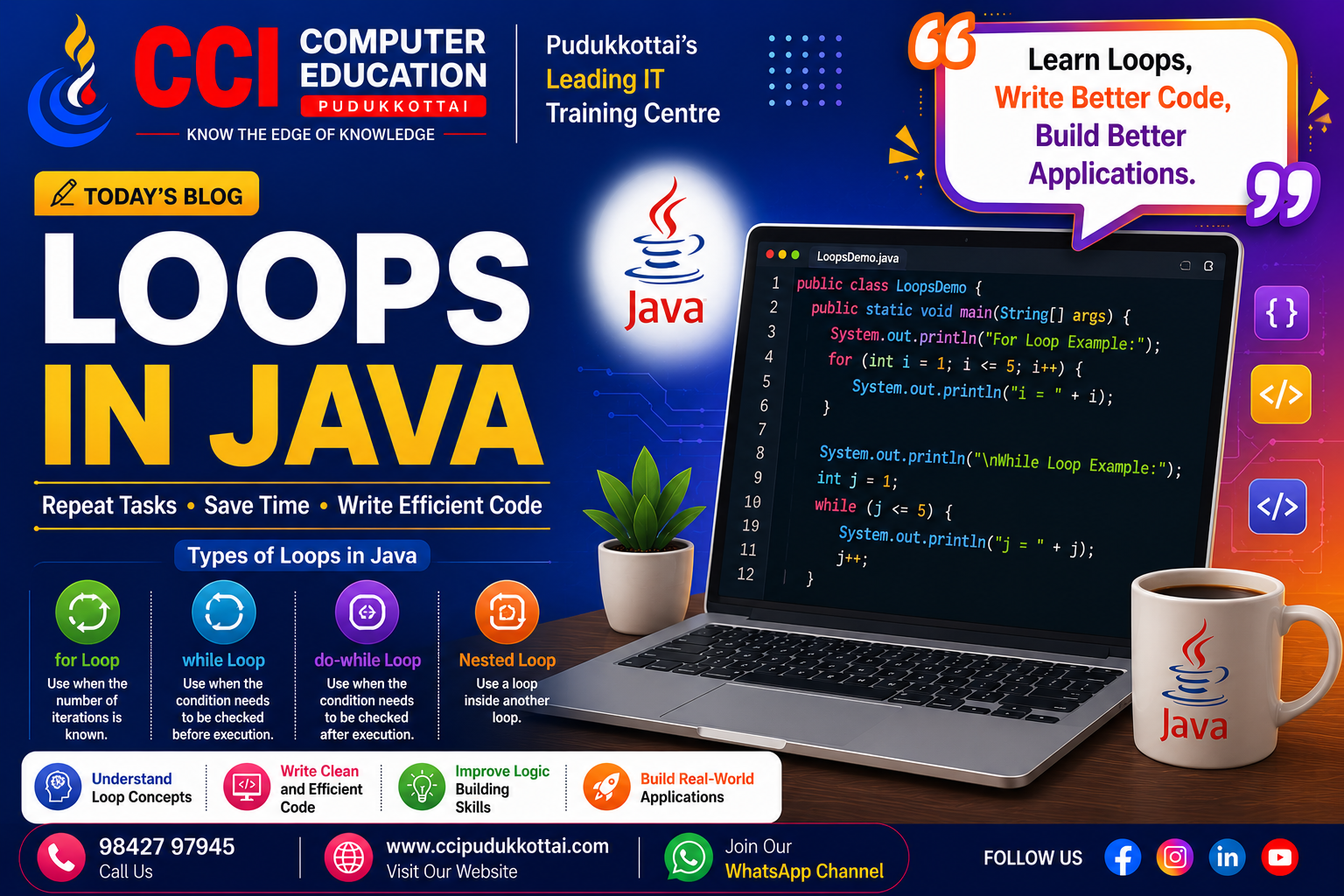
Java provides different types of loops for different programming situations.
- for loop – Used when the number of repetitions is known.
- while loop – Used when a condition controls the repetition.
- do-while loop – Executes the block at least once.
- enhanced for loop – Used mainly with arrays and collections.
1. for Loop
The for loop is commonly used when you know how many times you want to execute a block of code.
for (int i = 1; i <= 5; i++) {
    System.out.println(i);
}
Output:
1
2
3
4
5
2. while Loop
The while loop executes a block of code as long as its condition is true.
int i = 1;

while (i <= 5) {
    System.out.println(i);
    i++;
}
In a while loop, the condition is checked before the block of code is executed.
3. do-while Loop
The do-while loop is similar to the while loop, but the block of code is executed at least once before the condition is checked.
int i = 1;

do {
    System.out.println(i);
    i++;
} while (i <= 5);
This type of loop is useful when the code needs to execute at least once.
4. Enhanced for Loop
The enhanced for loop is useful for accessing elements from arrays and collections.
int[] numbers = {10, 20, 30, 40, 50};

for (int number : numbers) {
    System.out.println(number);
}
The loop automatically takes each value from the array and stores it in the number variable.
Real-World Example
Loops are useful in real-world applications such as student management systems. For example, a program can use a loop to display the names of multiple students.
String[] students = {
    "Arun",
    "Priya",
    "Kumar",
    "Divya"
};

for (String student : students) {
    System.out.println(student);
}
Instead of writing a separate print statement for every student, the loop processes each student automatically.
Nested Loops
A loop inside another loop is called a nested loop. Nested loops are commonly used for patterns, tables, and multidimensional arrays.
for (int i = 1; i <= 3; i++) {

    for (int j = 1; j <= 3; j++) {
        System.out.print("* ");
    }

    System.out.println();
}
Loop Control Statements
Java provides control statements that can change the normal execution of a loop.
- break – Stops the loop completely.
- continue – Skips the current iteration and continues with the next iteration.
Why Learn Loops in Java?
- Reduce repetitive code.
- Save programming time.
- Improve programming logic.
- Process arrays and collections efficiently.
- Help create practical Java applications.
- Build a strong foundation for problem solving.
Tips for Java Beginners
- Start by printing numbers using a for loop.
- Practice while and do-while loops.
- Try calculating the sum of numbers using loops.
- Practice loops with arrays.
- Learn nested loops after understanding basic loops.
- Pay attention to loop conditions to avoid infinite loops.
- Build small Java programs for regular practice.
Learn Java Through Practical Training
At CCI Computer Education, Pudukkottai, students can learn Java programming through simple explanations, coding exercises, practical examples, and project-based learning.
Beginners can start with Java fundamentals and gradually learn variables, data types, operators, conditional statements, loops, arrays, methods, Object-Oriented Programming, exception handling, and practical Java projects.
Conclusion
Loops are one of the fundamental concepts in Java programming. The for, while, do-while, and enhanced for loops help programmers repeat tasks efficiently and reduce unnecessary code.
Start with simple examples, practice regularly, and gradually use loops in your own Java programs and projects. Strong programming fundamentals can help you become more confident in Java development.
What's Next?
In our next Java tutorial, we will explore Conditional Statements in Java and learn how if, if-else, and switch statements are used to make decisions in Java programs.
Call: 98427 97945 | Website: ccipudukkottai.com | WhatsApp Channel: Join Now
Share: Facebook | WhatsApp | Twitter